
On Android
The verdict, straight from your share menu
On your phone you live inside the Airbnb app. So skip the copy-paste: share a listing to bnbverdict and get the verdict on the spot.
Analyze a listing
Three taps, zero copy-paste
Set it up once. After that the verdict is one share away, every time you browse.
Add bnbverdict to your phone
Open bnbverdict in Chrome and tap "Add to home screen". That's what makes it show up in the share menu.

Share a listing from Airbnb
On any listing in the Airbnb app, tap Share, then pick bnbverdict from the list.
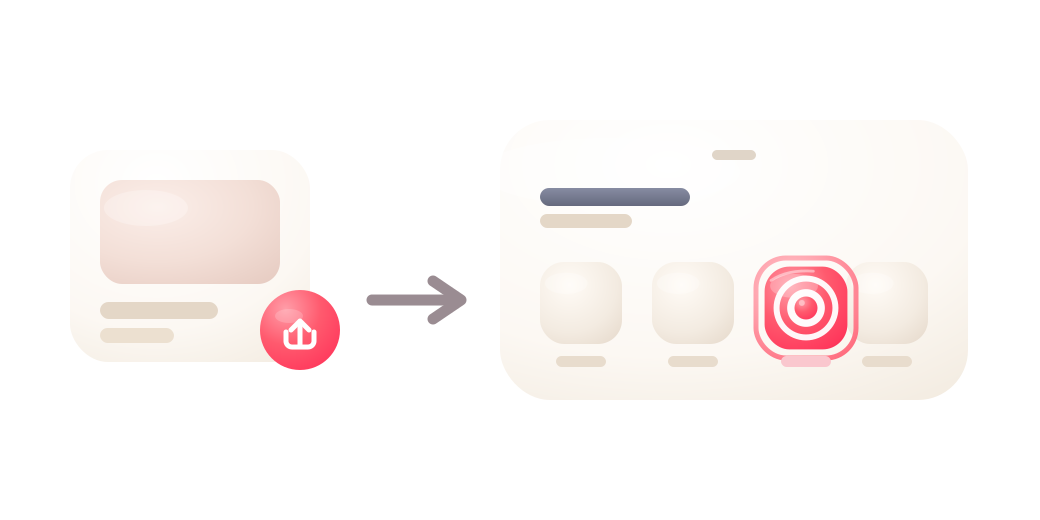
Get the verdict on the spot
Gaspard reads every review and hands you the score, the strengths and the red flags. No account, in seconds.

Android only for now: this uses Android's share menu, which iPhone doesn't open up to. On iPhone you can still add bnbverdict to your home screen and paste a link the usual way.